
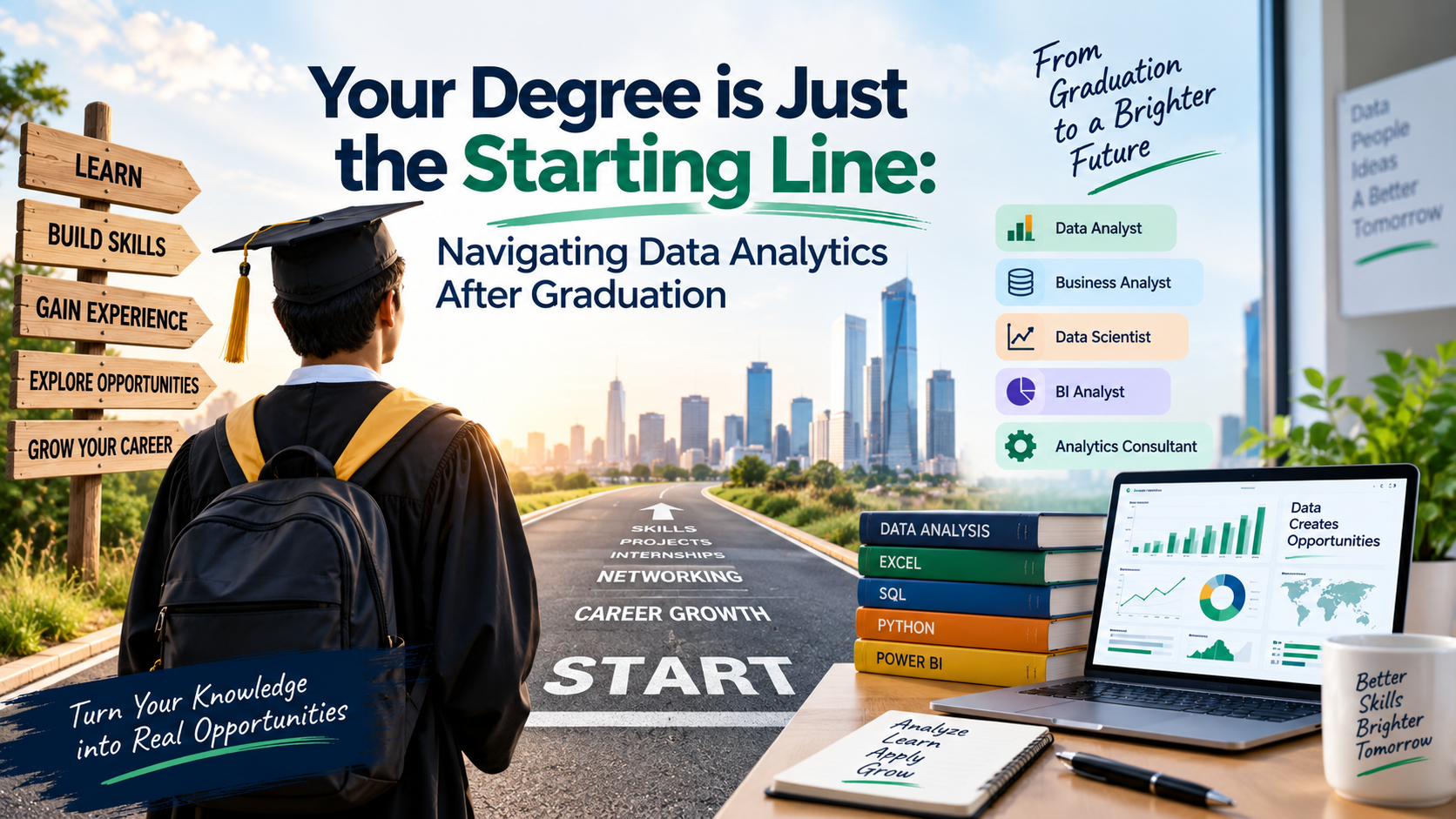
Graduating college is a massive milestone, but stepping into the job market can feel daunting. If you are looking at your degree—whether it's in B.Com, B.E., BCA, BBA, or even a BSc in a non-technical subject—and wondering how to pivot into a high-paying tech career, Data Analytics is one of the most accessible and lucrative pathways available.
Companies across every industry are drowning in data and desperate for professionals who can interpret it. The market is shifting from looking only at generic degrees to looking for specialized "Insight Architects" who know how to solve real business puzzles.
Here is your strategic guide to breaking into Data Analytics immediately after graduation.
Does Your Graduation Degree Matter? The Honest Truth
The short answer is no, you do not need a computer science or math degree. However, your background will give you a unique superpower that you can leverage.
Commerce / BBA / MBA Graduates
You already understand business logic, profit margins, and KPIs (Key Performance Indicators). You don't just analyze data; you understand why the business needs it.
Engineering / BCA / BSc Tech Graduates
You have a natural edge with logical thinking, systems structure, and algorithmic problem-solving. Learning Python and SQL will feel like a natural extension of your studies.
Arts / Humanities / Science Graduates
You excel at research, critical thinking, and storytelling. Data analytics is 50% technical and 50% communication—translating complex numbers into simple stories for stakeholders.
The Fresher Graduate Blueprint: From Degree to Data Job
To get hired over hundreds of other applicants, you need a structured approach. This 4-step execution strategy bridges the gap between your college degree and your first paycheck.
Step 1: Master the Entry-Level Tech Stack
Do not try to learn everything at once. Focus entirely on the core tools recruiters look for in entry-level resumes:
Advanced Excel
Learn conditional formatting, complex formulas, and Pivot Tables. A massive portion of business reporting still runs entirely on Excel.
SQL
The most critical skill. You must know how to write database queries, use JOIN statements, and aggregate data.
Power BI
Learn to convert ugly rows of data into interactive, visual dashboards.
Python Basics
Focus specifically on libraries used for handling data, such as Pandas and NumPy.
Step 2: Build a Proof-of-Work Portfolio
When you graduate, your resume is a blank slate. To get a hiring manager's attention, you need to show, not just tell. Create a GitHub profile or a personal website containing 3 distinct projects:
Project 1: Data Cleaning
Take a messy, unformatted dataset from the web (like a raw e-commerce sales sheet) and document exactly how you cleaned it using Excel or Python.
Project 2: SQL Exploratory Analysis
Write a script querying a public database to answer a specific business question (e.g., "Which product categories lost the most revenue last quarter?").
Project 3: Visual Dashboard
Build an interactive dashboard using Power BI or Tableau that highlights key trends at a single glance.
Step 3: Target the Right Entry-Level Roles
Many freshers make the mistake of applying for "Senior Data Scientist" positions and getting discouraged by rejections. Instead, look for these beginner-friendly job titles:
Junior Data Analyst / Analyst Trainee
These are heavily mentored roles designed specifically for fresh grads to learn on the job.
Reporting Analyst
Focuses on keeping weekly or monthly business performance metrics accurate and up to date.
Business Intelligence (BI) Assistant
Helps maintain enterprise dashboards and handles standard SQL data extraction.
Step 4: Upskill on AI Workflows
The role of an analyst is evolving. Top companies expect freshers to use AI as a productivity booster. Learn how to use large language models (LLMs) to write boilerplate SQL queries or debug Python syntax errors, making sure you double-check the logic yourself.